

At first, everything feels under control.
Sales has its pipeline. Support has its queue. Each team knows what it is doing, and the tools they use seem to cover their part of the work.
The problem only shows up when something crosses that invisible line between them.
A customer reports an issue, support handles it, but sales keep moving forward without knowing. Or a deal is about to close while a serious problem is still open somewhere in the background.
No one missed anything on purpose. The information just never traveled far enough.
That is where things start slipping. Not because the systems fail, but because they don’t really talk to each other the way people expect.
Why Visibility Breaks Between Sales and Support
It usually does not feel like a system problem.
Both teams are working. Data is being updated. Records exist where they should.
But the moment timing matters, something feels off.
Support updates a case, but that update stays inside their system longer than it should. Sales changes something on the account, but support continues working with the previous version of reality.
So people adjust.
They ask questions. They send messages. They keep extra notes just to stay aligned.
After a while, those habits become normal. You see the same things happening again and again:
- Teams ask for updates instead of checking the system
- The same situation is described differently depending on who you ask
- Important changes arrive too late to matter
- Context disappears when work moves from one team to another
- Progress slows down because everything needs confirmation
Individually, none of this looks serious. Together, it changes how the whole system feels to work with.
What Real-Time Visibility Actually Changes
When visibility is immediate, work starts to feel different.
You don’t stop to wonder what is happening on the other side. You don’t need to verify things that should already be clear.
A sales rep can open a record and immediately see that a customer issue is being handled. A support agent can understand why a case matters without asking for background.
The system starts doing what it was supposed to do from the beginning.
It becomes something you rely on, not something you double-check.
And that shift removes a lot of quiet friction that most teams get used to without noticing.
1. Peeklogic Salesforce ServiceNow Connector
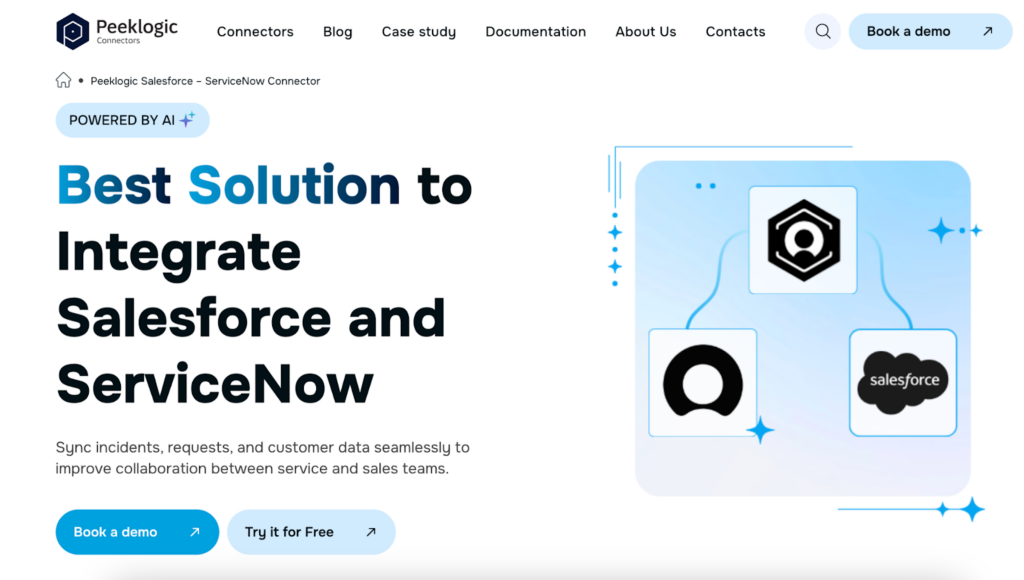
The gap between sales and support becomes obvious when customer issues turn into something technical.
Salesforce shows what is happening with the customer. ServiceNow shows what is happening behind the scenes. Without a direct link, those two views drift apart almost immediately.
That usually leads to the same pattern. Someone creates an incident manually. Someone copies updates. Someone checks the progress because they do not trust that it is visible.
The Salesforce ServiceNow Connector from Peeklogic removes that layer.
It keeps both systems aligned, so information moves as it changes, not when someone decides to sync it. Updates appear on both sides without extra steps.
It also brings ServiceNow data into Salesforce, which means sales teams do not need to leave their workspace just to understand what is going on.
Teams use it for:
- Two-way synchronization between Salesforce and ServiceNow
- Syncing incidents, cases, and custom records
- Real-time visibility of support activity inside Salesforce
- Creating and linking incidents directly from Salesforce
- Syncing comments, work notes, and attachments
Once it is in place, the back-and-forth disappears. The connection simply holds.
2. MuleSoft
In larger environments, the issue rarely comes from one missing connection.
There are multiple systems involved, each one storing a piece of the overall picture. Over time, integrations are added, but they are not always built in a consistent way.
That is when visibility starts to feel fragmented.
MuleSoft approaches this differently. Instead of connecting systems one by one, it creates a structure for how they interact.
It uses APIs to keep everything aligned, so data moves in a predictable way instead of depending on individual integrations.
Teams rely on it for:
- Building API-based integrations across sales and support systems
- Standardizing how data flows between platforms
- Supporting complex enterprise environments
- Managing integrations from a central point
- Connecting older systems with newer ones
It is not about speed alone. It is about making sure the system behaves the same way every time.
3. Workato
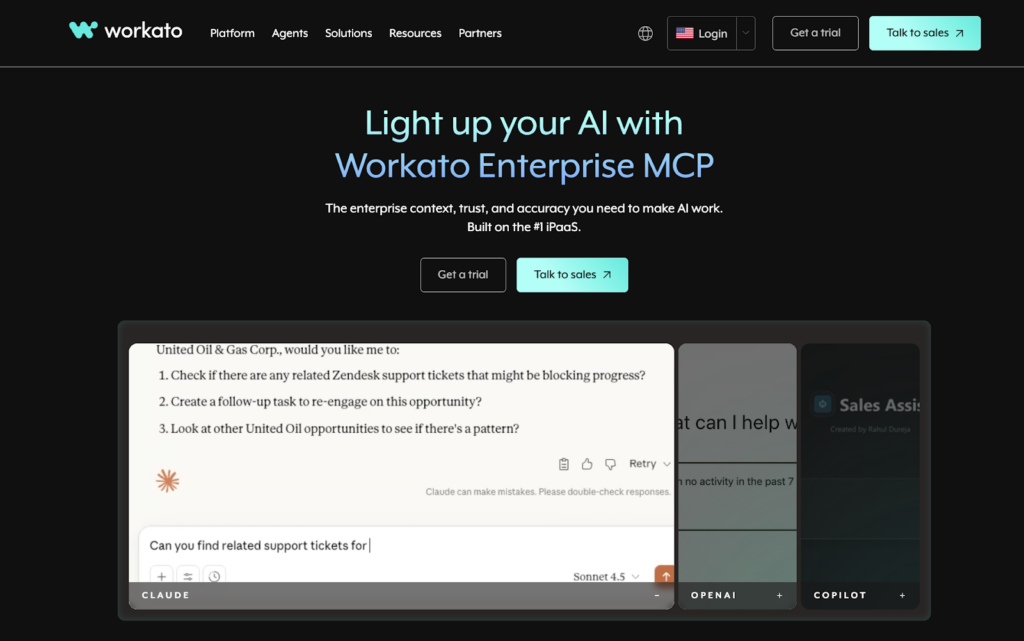
Sometimes the delay does not come from missing data.
It comes from what happens after the data appears.
A case is created, but nothing happens until someone reacts. A deal changes, but support continues without knowing that anything changed.
Workato focuses on that moment.
It connects actions, so when something happens in one system, the next step follows automatically.
Teams use it for:
- Automating workflows between Salesforce and support systems
- Triggering actions based on real-time events
- Reducing the need for manual coordination
- Connecting processes that span multiple tools
- Keeping work moving without interruptions
Instead of waiting for someone to push things forward, the system continues on its own.
4. Boomi
As systems grow, visibility problems become harder to track.
There are more connections, more dependencies, and more points where something can fall out of sync. Each integration works on its own, but together they do not always form a clear structure.
Boomi helps organize that environment.
It gives teams a way to manage integrations as a whole instead of dealing with each one separately.
Teams use it for:
- Building integrations through a visual interface
- Managing data flow across multiple systems
- Supporting both simple and complex use cases
- Scaling integrations as the system evolves
- Keeping everything aligned over time
It becomes useful when the system has grown past the point where simple connections are enough.
5. Zapier
Not every visibility issue comes from something complex.
Often, it comes from small delays that repeat throughout the day.
A field does not update. A notification is not sent. A record needs to be created manually.
Each one takes seconds, but they happen constantly.
Zapier handles those small pieces.
It connects simple actions so they happen automatically, which removes a surprising amount of manual effort.
Teams use it for:
- Automating small updates between systems
- Triggering actions from Salesforce events
- Reducing repetitive tasks
- Connecting multiple tools quickly
- Maintaining basic synchronization without heavy setup
It works best when the goal is to remove the small gaps that keep adding up.
6. Exalate
Not every team needs the same level of visibility.
Sometimes information needs to be shared fully. Other times it needs to be filtered or adjusted before it becomes visible.
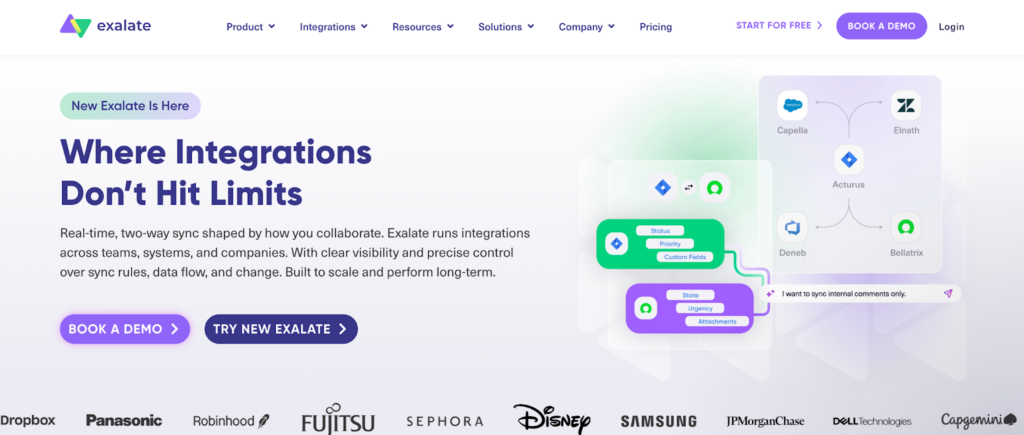
Exalate gives teams control over that.
Instead of applying the same rules everywhere, it allows customization based on how the workflow actually works.
Teams use it for:
- Customizing how data is shared between systems
- Controlling synchronization behavior
- Handling more complex workflows
- Connecting Salesforce with support platforms
- Adapting integrations to specific needs
It is often chosen when standard integrations feel too rigid.
Why Visibility Still Feels Delayed in Many Systems
Even when integrations exist, things can still feel out of sync.
That usually happens when updates are not immediate.
Data might move, but with a delay. Or only in one direction. Or without enough detail to be useful.
So people keep checking.
They confirm, adjust, and follow up, even though the system is supposed to handle it.
That is when it becomes clear that the connection is not doing enough.
How to Tell If Your Teams Lack Real-Time Visibility
You rarely see it as a clear problem.
Instead, it shows up in habits.
People ask for updates that should already be visible. They double-check things that should be reliable. They rely on conversations instead of what the system shows.
Nothing is obviously broken.
But everything feels slightly behind.
That is usually the moment when the gap becomes noticeable.
What Changes When Visibility Becomes Immediate
When both teams see the same information at the same time, the difference is not dramatic.
It is subtle.
There are fewer questions. Fewer interruptions. Fewer situations where something needs to be clarified.
Sales and support move with the same understanding of what is happening.
And over time, that consistency becomes part of how the team works.
The Difference Between Data and Visibility
Data can exist without being useful.
It can sit in different systems, updated at different times, without helping anyone make a decision.
Visibility is different.
It means the right information shows up where it is needed, at the moment it is needed.
That is what changes how teams operate.
Real-Time Visibility Is a Structural Advantage
When things move quickly, delays create problems.
Missed context leads to missed opportunities. Late updates lead to poor decisions.
Real-time visibility removes that delay.
It allows teams to act based on what is happening now, not what happened earlier.
And that changes more than just speed.
It changes how reliable the entire system feels.